 Petnow
UI Module Overview
An explanation of the structure and core components of the Petnow Android UI module.
What is the Petnow UI Module?
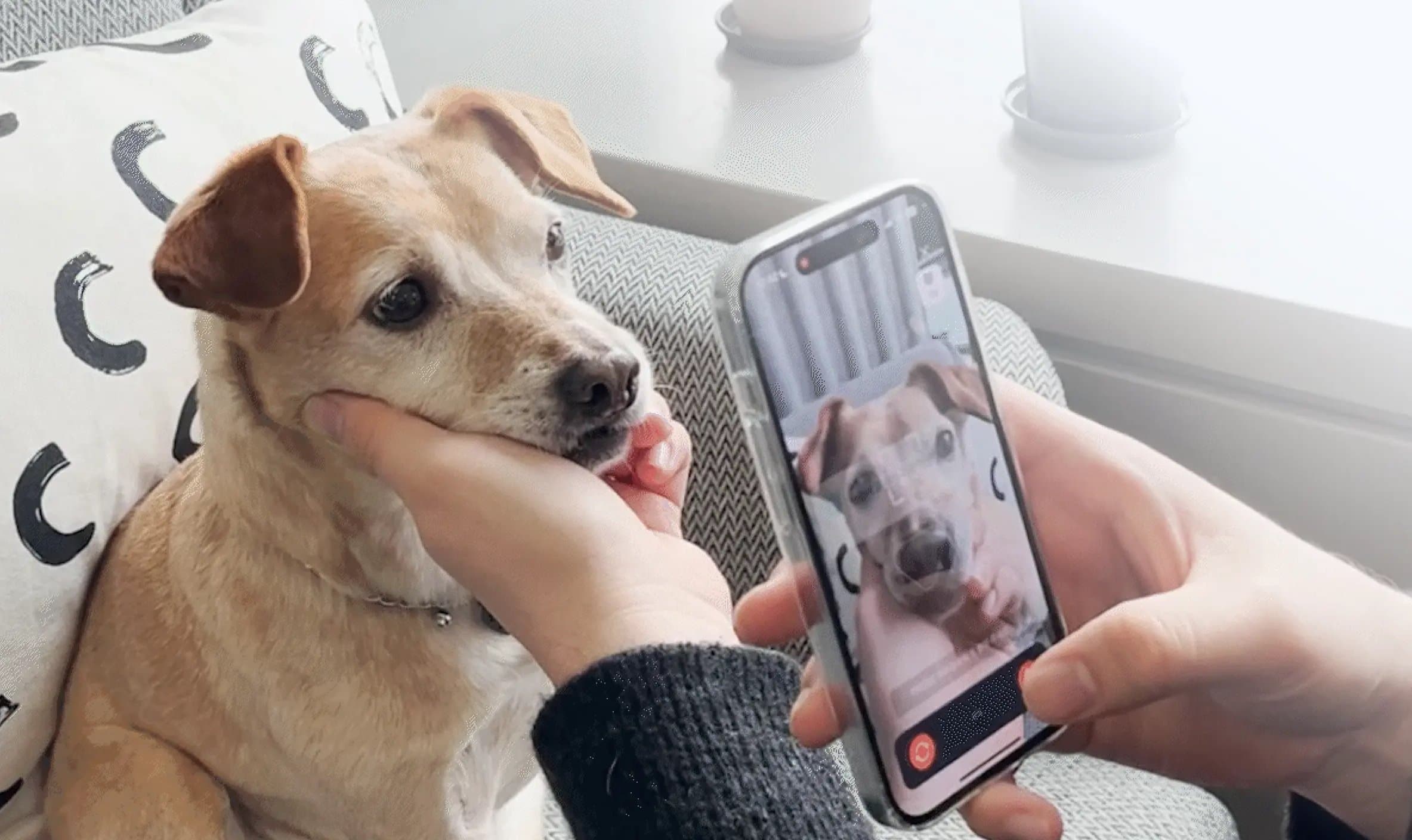
The Petnow UI module is a module that provides a ready-to-use camera engine for capturing pet biometric data. It handles all the complex camera setup, detection logic, and image processing, so developers can integrate professional biometric recognition features into their apps with just a few lines of code.
Core Values
- 🚀 Fast integration: No need to understand the complex Camera2 API
- 🎯 Real-time guidance: Guides users on the optimal way to capture
- 🎨 Customizable: Adjustable to match your app's design
- 🧩 Flexible hosting: Integrate anywhere — View, Jetpack Compose, React Native, and more
Core Components
The UI module consists of a single engine (CameraController) and multiple hosting methods that place it on the screen.
CameraController (Engine)
The core component that manages the entire lifecycle of the camera/detection session. It is not involved in UI rendering; it only forwards state and events to the outside.
import io.petnow.ui.CameraController
import io.petnow.ui.config.LicenseInfo

val controller = CameraController(
    context,
    LicenseInfo(apiKey = "YOUR_API_KEY"),
    coroutineScope,
)
Responsibilities:
- Opening/closing the camera, starting/pausing/resuming the detection session
- Providing the detection state via the
PetnowCameraDetectionListenerV2callback and thestateproperty (StateFlow) - Delivering the final result (
CameraResult) via a callback
Choosing a Hosting Method
| Method | Description | Documentation |
|---|---|---|
CameraView (recommended) | A FrameLayout widget that draws the preview + default tracking UI. Connect it with cameraView.controller = controller | Basic Usage |
| Fully custom | Connect your own SurfaceView with attachPreviewSurface(). The SDK does not draw any UI (100% custom) | Fully Custom UI |
PetnowCameraFragment (legacy) | A Fragment-inheritance approach. Not recommended for new integrations | Fragment Method (Legacy) |
Architecture
The Petnow UI module hides the complex state management and ML framework integration logic, providing developers with only a simple interface.
Session Concepts
The capture process is managed by two types of sessions:
Capture Session
- Created by calling the Petnow Server API (
createCaptureSession) from your server - The
captureSessionIdreceived from the server is passed to the client and supplied toinitializeCamera() - One Capture Session can contain multiple Detection Sessions
Detection Session
- A session from when actual detection starts until detection completes or fails
- When the user retakes (calls
startDetection()again), a new Detection Session starts
How to Pass captureSessionId
Pass the captureSessionId (UUID) received from the server to initializeCamera().
import java.util.UUID

lifecycleScope.launch {
    // Obtain the captureSessionId from your server
    // (the server calls createCaptureSession of the Petnow Server API)
    val captureSessionId: UUID = yourServerApi.createCaptureSession(
        species = "DOG",
        purpose = "PET_PROFILE_REGISTRATION",
    )

    controller.initializeCamera(configuration, captureSessionId)
    controller.startDetection()
}
Server API: The captureSessionId is created on the server through the Petnow Server API. It is not created directly on the client.
State Management
DetectionStatus
The representative detection status of the current frame, delivered via PetnowCameraDetectionListenerV2.onDetectionStatus. It is a sealed class, and Failed includes a specific cause (reason).
import io.petnow.ui.status.DetectionStatus
import io.petnow.ui.status.DetectionFailureReason

sealed class DetectionStatus {
    data object NoObject : DetectionStatus()     // No target detected
    data object Processing : DetectionStatus()    // Detection in progress
    data object Detected : DetectionStatus()      // Detection succeeded
    data object Finished : DetectionStatus()      // Capture complete
    data class Failed(val reason: DetectionFailureReason) : DetectionStatus()
}
For the full list of DetectionFailureReason values, see Basic Usage.
CameraResult
The final capture result.
import io.petnow.ui.CameraResult

sealed class CameraResult {
    data class Success(
        val fingerprintImageFiles: List<File>,  // For biometric recognition (dog = nose, cat = face)
        val appearanceImageFiles: List<File>    // Appearance (face) images
    ) : CameraResult()

    data object Fail : CameraResult()
}
Data Flow
Key point: Once you create a
CameraControllerand register aPetnowCameraDetectionListenerV2, the controller handles all camera logic and delivers only the necessary events via callbacks.
Data Flow Description
1. Real-time status updates
- You receive the following events through
PetnowCameraDetectionListenerV2:onDetectionStatus(status): The detection status of the current frame (DetectionStatus)onDetectionProgress(progress): Detection progress (0 ~ 100)
- If you need nose/face tracking boxes, use
state.value.currentDetectionResult(DetectionResult).
2. Final result delivery
- When detection completes, the controller saves the images and creates a
CameraResult. - The result is delivered via the
onDetectionFinished(result)callback.CameraResult.Success- Capture successful (includes the image file list)CameraResult.Fail- Capture failed
Next Steps
Now that you understand the structure of the UI module, refer to the following documentation:
- Basic Usage - Integrating
CameraView+CameraController - Fully Custom UI - A 100% custom UI with your own SurfaceView
- Customization - Customizing the
CameraViewguide UI - Sound Guide - Detailed sound playback guide
- Fragment Method (Legacy) - The existing
PetnowCameraFragmentintegration method
Reference
- Getting Started - SDK installation