 Petnow
UI Module Overview
Structure and core components of the PetnowUI module.
What is PetnowUI Module?
PetnowUI is a module that provides ready-to-use camera UI for capturing pet biometric data. It handles complex camera setup, detection logic, and image processing, allowing developers to integrate professional biometric recognition features into their apps with just a few lines of code.
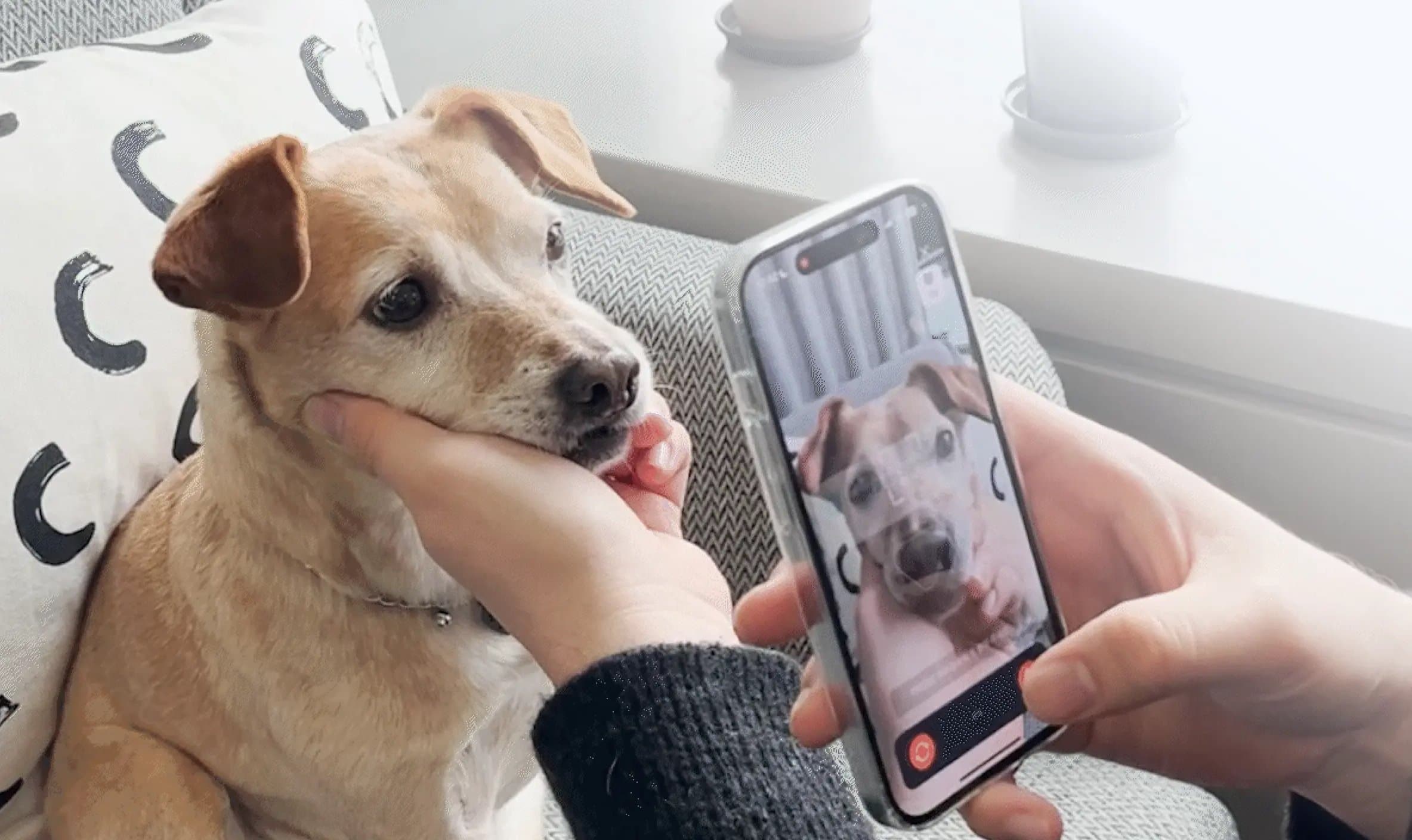
Core Values
- 🚀 Quick Integration: No need to understand complex camera APIs
- 🎯 Real-time Guidance: Guides users for optimal capture
- 🎨 Customizable: Adjustable to match your app's design
- 📱 SwiftUI & UIKit Support: Works with all iOS apps
Architecture
The PetnowUI module hides complex state management and ML framework integration logic, providing developers with a simple interface.
Core Components
CameraView
A SwiftUI View that displays camera preview and detection overlay.
Responsibilities:
- Render camera preview
- Display detection overlay
- Handle user interactions
Simple Usage Example:
// Basic usage
CameraView(viewModel: cameraViewModel)

// Add custom overlay
CameraView(viewModel: cameraViewModel) {
    Text("Center the nose")
        .foregroundColor(.white)
        .padding()
        .background(Color.black.opacity(0.7))
        .cornerRadius(8)
}
CameraViewModel
A view model that implements ObservableObject and is injected into CameraView.
Session Concept
The capture process is managed by two types of sessions:
Capture Session
- Created by calling
createCaptureSessionAPI on the server - Start capture by passing the generated
captureSessionIdtoinitializeCamera() - One Capture Session can contain multiple Detection Sessions
- Used to track the entire capture process and analyze metrics in Petify Console
Detection Session
- A session from when actual detection starts until detection completes or fails
- A new Detection Session starts when the user retakes
Note: A new Detection Session starts on retake. Each session can be tracked individually in Petify Console.
State Management
DetectionStatus
Represents the detection result status of a camera frame. Updated every 1 second.
public enum DetectionStatus {
    case noObject           // Object not detected
    case processing         // Detection in progress
    case detected           // Detection complete
    case failed(DetectionFailureReason)     // Failed (with reason)
}
CaptureStage
Represents the stage of a capture session.
public enum CaptureStage {
    case findSpecies       // Detecting target
    case capturing         // Capturing
    case finished          // Capture complete
}
CameraResult
Final capture result.
public enum CameraResult {
    case success(
        fingerprintImages: [URL],  // Fingerprint/nose images
        appearanceImages: [URL]    // Appearance images
    )
    case fail                      // Capture failed
}
Data Flow
Key Point: When
CameraViewModelpublishes state, developers build UI in the custom camera screen using state values along withCameraView. When capture completes,CameraResultis passed via callback.
Data Flow Explanation
1. Real-time State Updates
CameraViewModelpublishes the following states via@Published:detectionStatus:.noObject,.processing,.detected,.failed(reason)detectionProgress: 0.0 ~ 1.0 (detection progress)captureStage:.findSpecies,.capturing,.finished
- The custom camera screen subscribes to these state values to update UI.
2. Final Result Delivery
- When detection completes,
CameraViewModelsaves images and createsCameraResult. CameraResult.successorCameraResult.failis delivered via callback.
Best Practices
1. ViewModel Lifecycle Management
// SwiftUI: Use @StateObject
@StateObject private var viewModel = CameraViewModel(...)

// Cleanup
.onDisappear {
    viewModel.stopDetection()
}
2. Error Handling
do {
    try await viewModel.initializeCamera(...)
} catch PetnowUIError.invalidLicense(let error) {
    // Handle license error
} catch PetnowUIError.permissionDenied(let message) {
    // Handle permission error
} catch {
    // Handle other errors
}
3. State Observation
// Actions based on specific state
.onChange(of: viewModel.detectionStatus) { status in
    switch status {
    case .detected:
        playSuccessSound()
    case .failed(let reason):
        showErrorMessage(reason)
    default:
        break
    }
}
Next Steps
Once you understand the UI module structure, refer to these documents:
- Basic Usage - Integrate CameraView
- Customization - Customize overlays
- Sound Guide - Detailed sound playback guide
References
- Getting Started - SDK installation
- Troubleshooting - Problem solving